Integrate Vehicle Shadow
Overview
This page describes all the steps required to enable the Vehicle Shadow data stream on your product.
Configuration on Connected AI
Required Information
- Vehicle Shadow data environments used (e.g. Test, Int, E2E, Prod)
Product Configuration
Update the product.yaml file of your product on the Connected AI products repository to enable Vehicle Shadow and specify the data environments it will use. Vehicle Shadow configuration is located in the vs section of each namespace, identified by a data-env variable that can be changed accordingly.
The Connected AI Team does not allow pushing directly into the main branch, so a Pull Request must be opened in order to be evaluated by the team and then merged.
For example:
- Enable Vehicle Shadow:
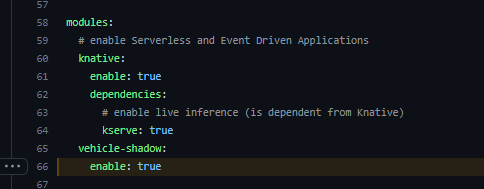
- Configure the Vehicle Shadow environment data that will be used:

That means that for this specific namespace it will consume Vehicle Shadow data from the test and prod environments.
Customize Buffer Parameters for Kinesis Firehose Delivery Stream
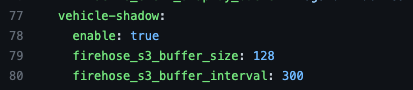
You can optionally assign buffer settings for the Kinesis Firehose delivery stream instance created by the vehicle-shadow module, to customize the size of buffer objects saved on S3 or the interval (in seconds) for buffering data. Include these settings in the product.yaml manifest specific to your product to manage the data ingestion process before delivering records to S3, and avoid errors processing data saved on S3.
The screenshot below refers to this line, where you can assign values for firehose_s3_buffer_size and firehose_s3_buffer_interval. Please make sure the values match the requirements below, also documented at the AWS Firehose BufferingHints API reference:
firehose_s3_buffer_size
- Type: Number
- Optional: True
- Default: 5
- Range: 1-128
- Description: Buffer size in MBs
firehose_s3_buffer_interval
- Type: Number
- Default: 300
- Optional: True
- Range: 60-900
- Description: Interval in seconds to buffer incoming data
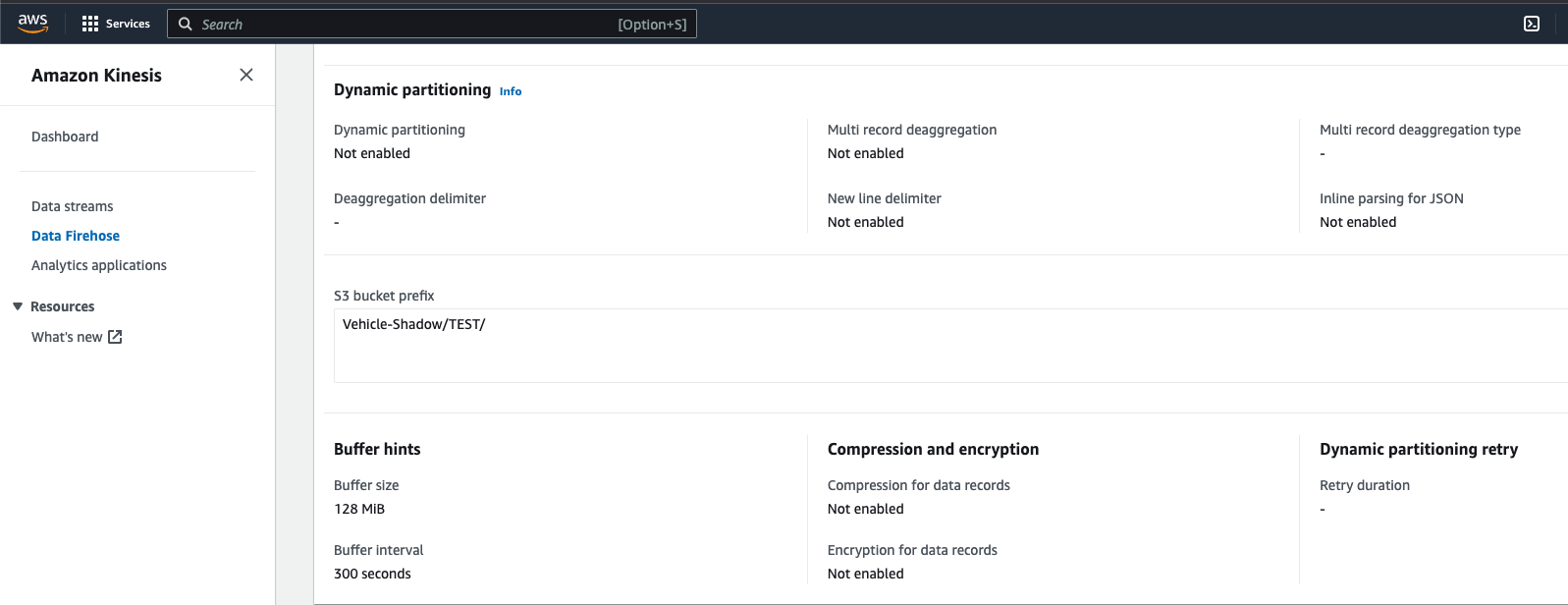
You can check whether these settings were applied successfully by logging into the AWS console and checking the delivery stream configuration:
Once the PR is merged, all infrastructure will be deployed and created.