Enable MLflow Autolog
To activate autologging, simply insert mlflow.autolog() before your training code.
MLflow autolog is a feature that automatically logs metrics, parameters, and models—so you don't need to add explicit log statements in your code.
When enabled, MLflow will automatically log the following information about your run:
- Metrics: MLflow selects and logs relevant metrics based on the model and library you use.
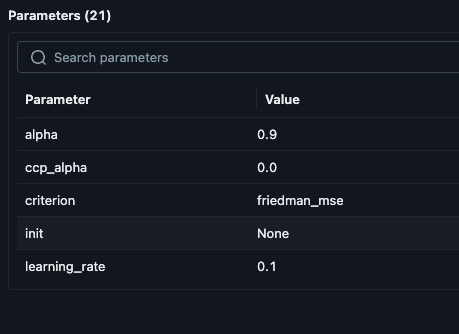
- Parameters: Hyperparameters specified for training, plus default values provided by the library if not explicitly set.
- Model Signature: Describes the input and output schema of the model.
- Artifacts: For example, model checkpoints.
- Dataset: The dataset object used for training (if applicable), such as
tensorflow.data.Dataset.
Here is an example of how to enable autologging in your code:
    ...

    mlflow.set_tracking_uri(config["mlflow_tracking_uri"])
    mlflow.set_experiment(config["mlflow_experiment"])
    mlflow.autolog()
    with mlflow.start_run(run_name="ray_k8s_train_run_test"):
        X, y = make_regression(n_samples=1000, n_features=32, noise=0.1, random_state=42)
        X_train, X_test, y_train, y_test = train_test_split(X, y, test_size=0.2, random_state=42)

        model = GradientBoostingRegressor(
            n_estimators=config["n_estimators"],
            learning_rate=config["learning_rate"],
            max_depth=config["max_depth"],
            random_state=config["random_state"]
        )
    ...
Example Results
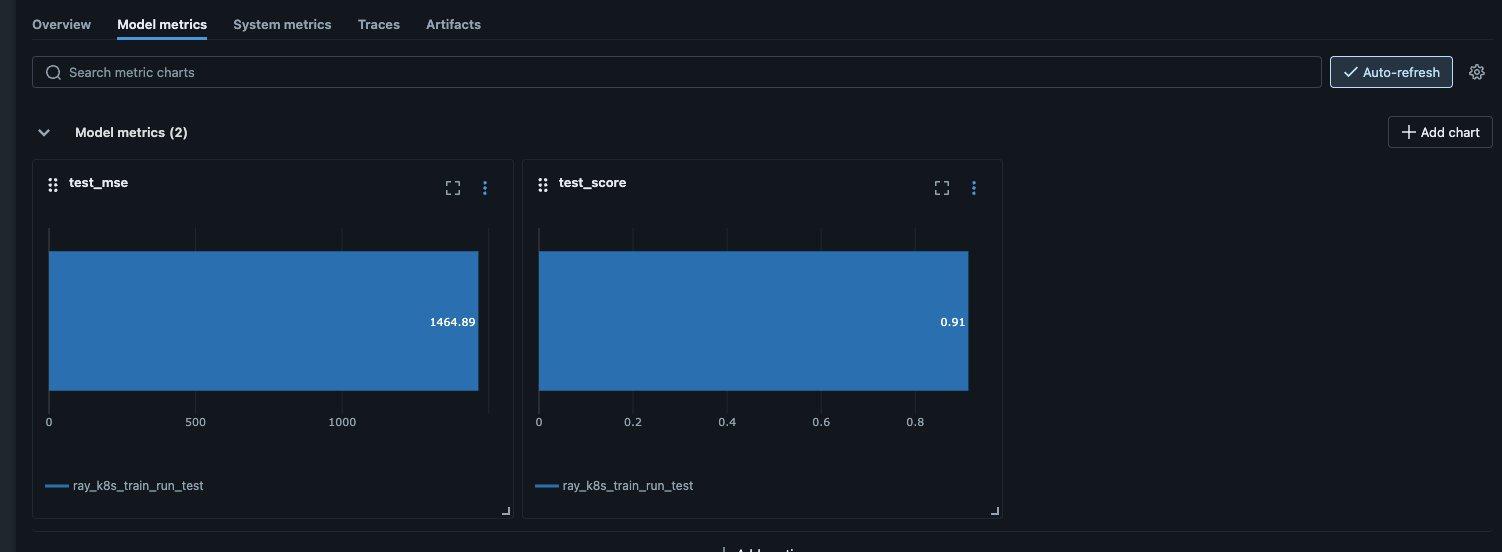
Below are examples of the information you get by applying mlflow.autolog():
Metrics
Parameters
Additional Information
For more details, see: